
Download Iperius Console – Remote Backup Management, Centralized Dashboard, Multi‑User Control
Overview of Iperius Console
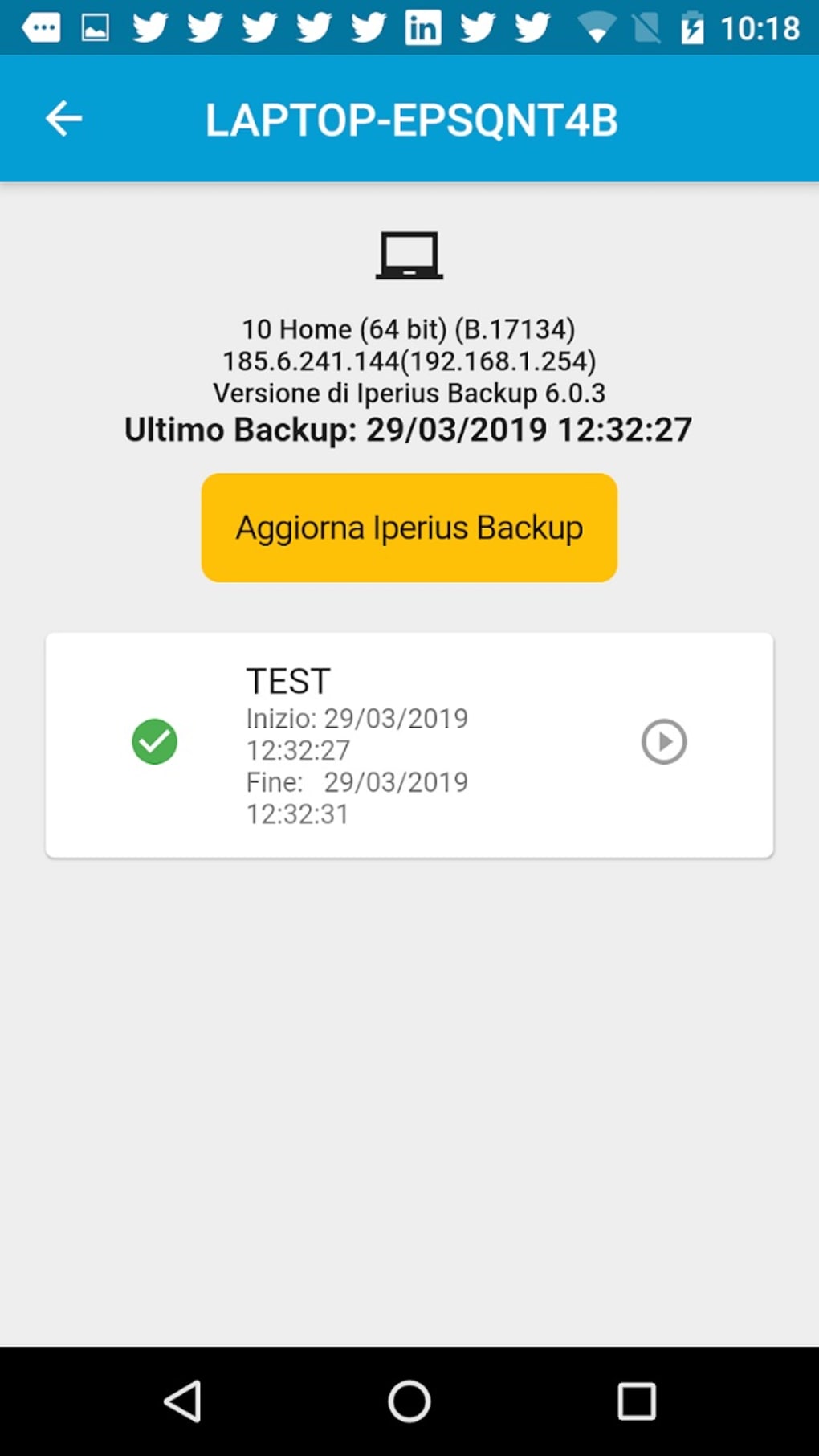
Iperius Console is a powerful productivity tool designed to simplify remote backup management for businesses of any size. By providing a single, centralized dashboard, the console lets administrators monitor every PC or server that runs Iperius backup software from one convenient location. Real‑time status indicators, detailed error reports, and on‑demand job execution empower IT teams to react instantly to issues, minimizing downtime and protecting critical data.
Beyond basic monitoring, Iperius Console introduces a robust multi‑user management system. Administrators can create custom user accounts with granular permissions, ensuring that each team member only sees the data and controls relevant to their role. This layered access model not only improves security but also streamlines collaboration across departments.
The console also aggregates statistical overviews, such as backup volumes, file counts, and version histories, giving decision‑makers clear insight into storage utilization and backup health. Whether you need to schedule validations, track version changes, or receive warnings about missed backups, Iperius Console consolidates all these functions into a user‑friendly interface that can be accessed from Windows, macOS, Android, or iOS devices. While it does not support Rsync, its extensive feature set makes it an indispensable solution for organizations looking to boost productivity, reduce manual oversight, and maintain a reliable backup strategy across a distributed IT environment.
Key Features That Set Iperius Console Apart
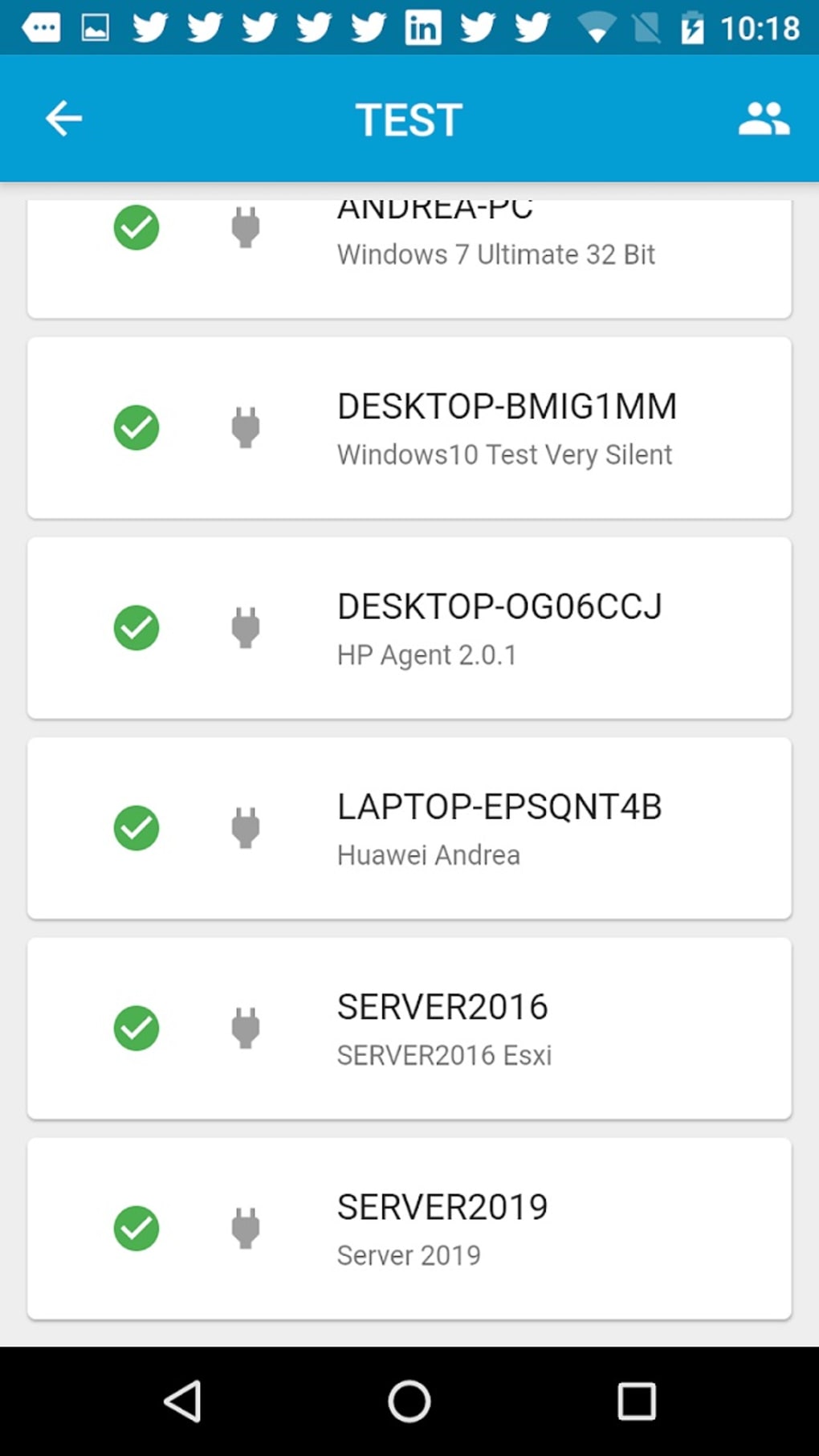
- Centralized Dashboard: View the status of every registered computer or server on a single screen, with color‑coded health indicators and quick‑access controls.
- Remote Job Execution: Launch, pause, or stop backup jobs from anywhere, even without a direct network connection to the target machine.
- Multi‑User Management: Create administrators, power users, and read‑only accounts with custom permission sets, ensuring secure delegation of tasks.
- Detailed Error Reporting: Receive granular error logs that pinpoint the exact cause of backup failures, enabling rapid troubleshooting.
- Statistical Overviews: Track data volumes, file counts, version histories, and backup trends through built‑in charts and exportable reports.
- Software Update Integration: Push updates to the Iperius agents on all managed devices directly from the console, keeping the backup environment current.
- Cross‑Platform Compatibility: Access the console via web browsers on Windows, macOS, and mobile devices running Android or iOS.
- Group Management: Organize computers into logical groups for batch operations, simplifying large‑scale deployments and policy enforcement.
- Backup Validation Scheduler: Automate integrity checks to ensure that backups are recoverable and free from corruption.
- Alert & Notification System: Configure email or push notifications for missed backups, low storage warnings, and critical errors.
These capabilities combine to give IT administrators a comprehensive, secure, and efficient way to oversee backup processes across an entire organization. The ability to remotely trigger jobs and instantly view detailed logs eliminates the need for time‑consuming on‑site visits, while the multi‑user architecture aligns with modern security best practices. Even without Rsync support, the console’s native backup engine delivers reliable data protection, and its reporting tools provide the insight needed for continuous improvement.
Installation, Setup, and Compatibility Guide
Step‑by‑Step Installation
Installing Iperius Console is straightforward and can be completed in under ten minutes. First, download the installer from the official Iperius website. The file is available as a standard .exe for Windows or a .dmg for macOS.
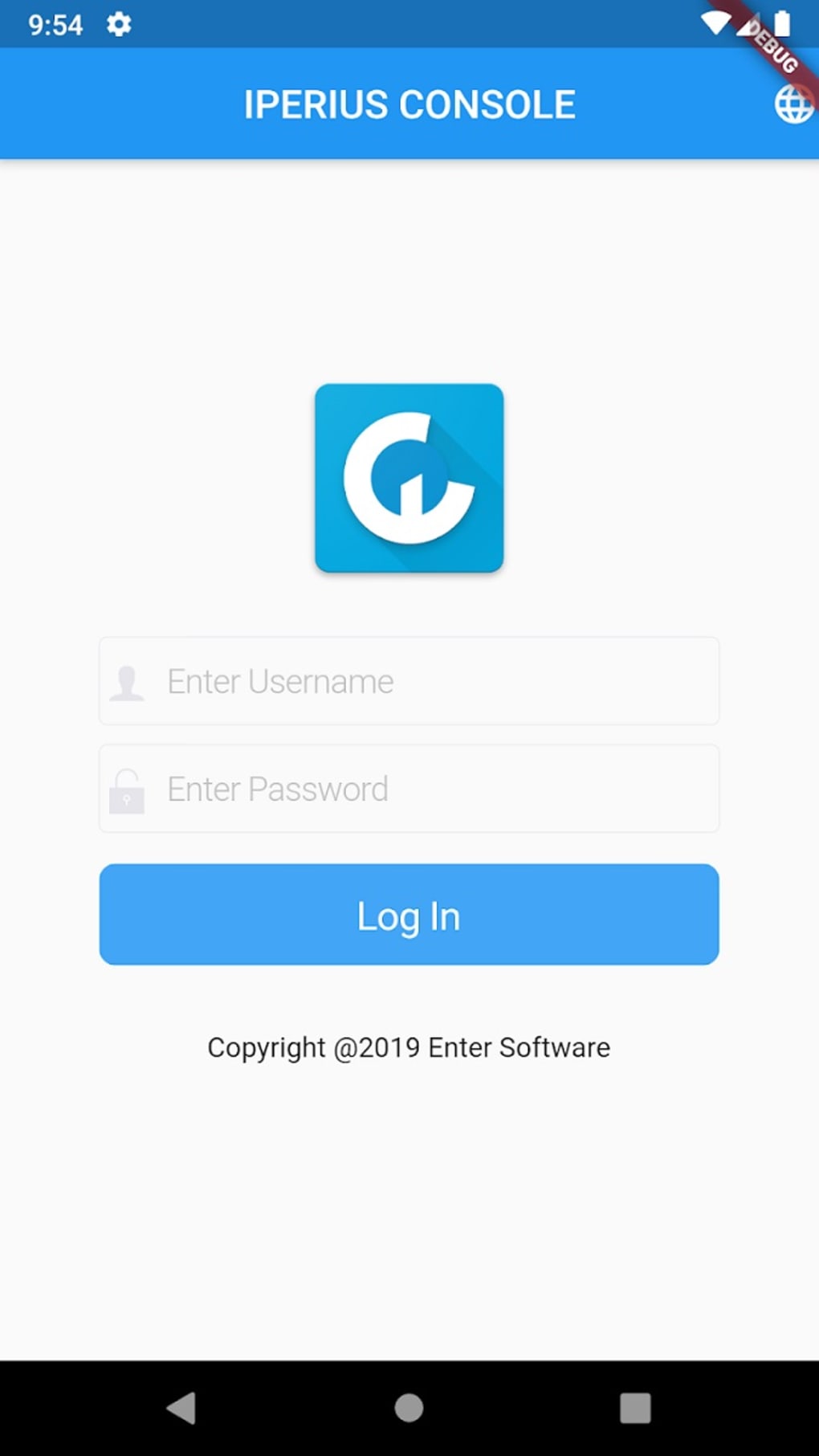
Once the download finishes, run the installer and follow the on‑screen wizard: accept the license agreement, choose an installation folder, and let the program copy the necessary files. After installation, launch the console and log in with the default administrator credentials (admin / admin). You will be prompted to change the password immediately, a critical step for securing your environment.
Configuring Agents on Managed Devices
The console works in tandem with the Iperius Backup agent installed on each client machine. To add a new device, navigate to the “Agents” tab, click “Add New,” and enter the remote machine’s IP address or hostname. The console will push the agent installer automatically, or you can manually install it if you prefer. Once the agent reports back, it appears in the dashboard with a green “Online” indicator. From here, you can assign the device to a group, set backup schedules, and define retention policies.
Operating System Support
Iperius Console is built for Windows 10/11 (64‑bit) and macOS 10.15 (Catalina) or later. The companion mobile apps run on Android 6.0+ and iOS 12+. This broad compatibility ensures that administrators can monitor backups from their preferred workstation or on the go using a smartphone or tablet. While the core console is a desktop application, the web interface is responsive and can be accessed via modern browsers such as Chrome, Edge, Firefox, or Safari.
Initial Configuration Tips
After the first login, take advantage of the “Wizard” feature that guides you through creating the first backup job, setting up notification rules, and defining user roles. It is advisable to start with a pilot group of servers to validate the workflow before scaling to the entire infrastructure. Remember to enable SSL/TLS encryption for all communications between the console and agents to protect credentials and backup data in transit.
Pros, Cons, and Frequently Asked Questions
Pros
- Intuitive, centralized dashboard that reduces the need for multiple monitoring tools.
- Robust multi‑user permissions allowing fine‑grained access control.
- Remote job execution eliminates the need for on‑site interventions.
- Comprehensive reporting and statistical analysis for informed decision‑making.
- Cross‑platform access from Windows, macOS, Android, and iOS devices.
- Automatic agent deployment simplifies onboarding of new machines.
- Built‑in alert system keeps administrators aware of missed backups and errors.
Cons
- No native Rsync support, which may limit file synchronization scenarios for advanced users.
- Initial learning curve for organizations unfamiliar with centralized backup management.
- Requires a Windows or macOS machine to host the console; no pure web‑only version.
Frequently Asked Questions
Can I monitor backup jobs from my smartphone?
Yes. Iperius Console offers mobile apps for Android and iOS that provide a read‑only view of backup status and allow you to receive push notifications for critical alerts.
Is the communication between the console and agents encrypted?
All data exchanged between the console and its agents is protected with SSL/TLS encryption. You can also enforce certificate‑based authentication for added security.
How many devices can I manage with a single Iperius Console installation?
There is no hard‑coded limit; the practical ceiling depends on your server hardware and network bandwidth. In real‑world tests, a single console comfortably handles several thousand agents.
Can I schedule automatic software updates for the backup agents?
Yes. The console includes a built‑in update manager that can push the latest Iperius Backup agent version to all registered machines on a defined schedule.
What licensing model does Iperius Console use?
Iperius Console is sold under a perpetual license with optional annual maintenance for support and feature updates. Volume discounts are available for enterprises managing large numbers of devices.
Overall Rating: ★★★★☆ (4.2/5)
Summary: Iperius Console delivers a comprehensive, secure, and user‑friendly solution for centralized backup management. Its multi‑user capabilities and extensive reporting outweigh the lack of Rsync support.
Conclusion – Why You Should Download Iperius Console Today
If your organization struggles with fragmented backup tools, scattered logs, and the constant need to log into individual servers, Iperius Console provides the missing glue that brings everything together. The centralized dashboard reduces administrative overhead, while the granular permission system aligns with modern security policies. Remote job execution, real‑time alerts, and built‑in statistical reporting empower IT teams to act proactively, preventing data loss before it happens. Although the lack of Rsync may be a consideration for very specialized workflows, the core backup engine is reliable, and the console’s feature set covers virtually every need of a mid‑size to large enterprise. By downloading and installing Iperius Console, you invest in a scalable, secure, and future‑proof backup management platform that grows with your infrastructure.
Ready to streamline your backup operations? Download Iperius Console now and experience the peace of mind that comes from having total visibility and control over every backup job in your environment.







